
Introduction
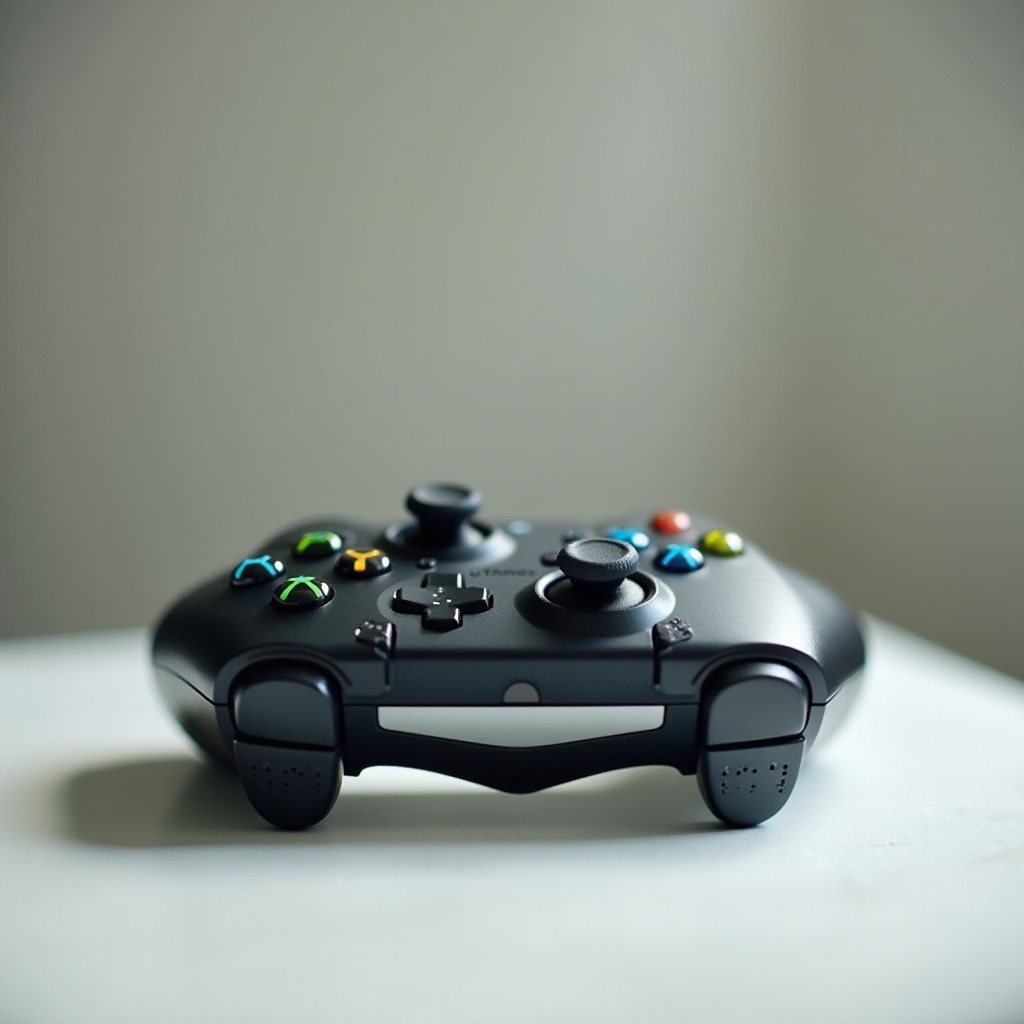
Keeping your Xbox controller clean is essential for optimal gaming performance. Over time, dirt and grime can accumulate, affecting responsiveness and user experience. In this guide, you’ll learn how to clean your Xbox controller effectively, ensuring it remains in peak condition for your gaming sessions.
Why Regular Cleaning Is Important
Regular cleaning helps prevent the accumulation of particles that can impede button functionality. Controllers endure constant handling and can harbor bacteria, posing a health risk alongside performance issues. Establishing a cleaning routine keeps your controller in top shape, enhances its life span, and ensures your gaming experience is both smooth and hygienic.
Next, we’ll explore the essential supplies needed for cleaning your Xbox controller, so you are fully prepared to start the cleaning process.
Essential Supplies for Cleaning
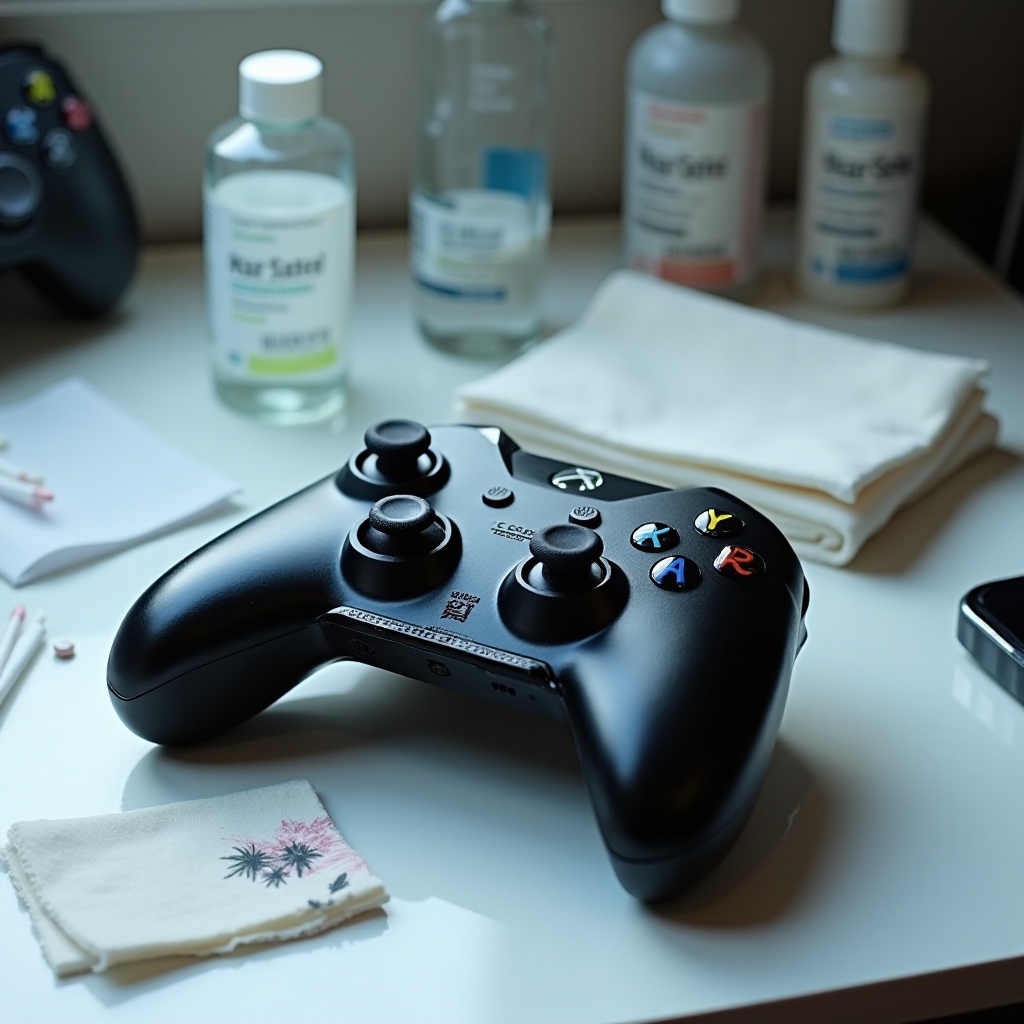
Gather the following materials before you start cleaning:
- Microfiber cloth
- Isopropyl alcohol (70% or higher)
- Cotton swabs
- Soft-bristled toothbrush
- Compressed air canister
- Plastic-safe wipes
With these items on hand, you’ll be ready to begin cleaning your controller efficiently, covering every aspect to ensure a thorough job.
Preparing Your Xbox Controller
To prepare your Xbox controller for cleaning, first turn it off and remove any batteries to prevent electrical mishaps. Unplug the controller if it is wired. Start by using a compressed air canister to blow away loose dust and debris from the controller’s surfaces and crevices. Hold the canister upright and use gentle bursts to ensure no moisture is released.
Once prepped, you can proceed with the primary cleaning routine, focusing on the external and mechanical parts of the device.
Step-by-Step Cleaning Process
- Surface Cleaning:
-
Dampen a microfiber cloth with isopropyl alcohol and gently wipe down the controller’s exterior. Ensure the cloth is moist and not dripping.
-
Cleaning the Buttons and Joysticks:
-
Use a cotton swab dipped in isopropyl alcohol to clean around buttons and beneath the joysticks. Rotate the joystick as you clean to reach all areas.
-
Deep Clean for Crevices:
- Employ a soft-bristled toothbrush to scrub dirt from the controller’s creases and seams gently. Use light motions to avoid scratching.
These steps will help remove visible and accessible dirt, but specific problems may require further attention, as discussed below.
Handling Specific Issues
Despite thorough cleaning, some issues may persist, like sticky buttons or the aftermath of spills.
- Removing Sticky Residue: Apply isopropyl alcohol on a swab to scrub away persistent stickiness around buttons.
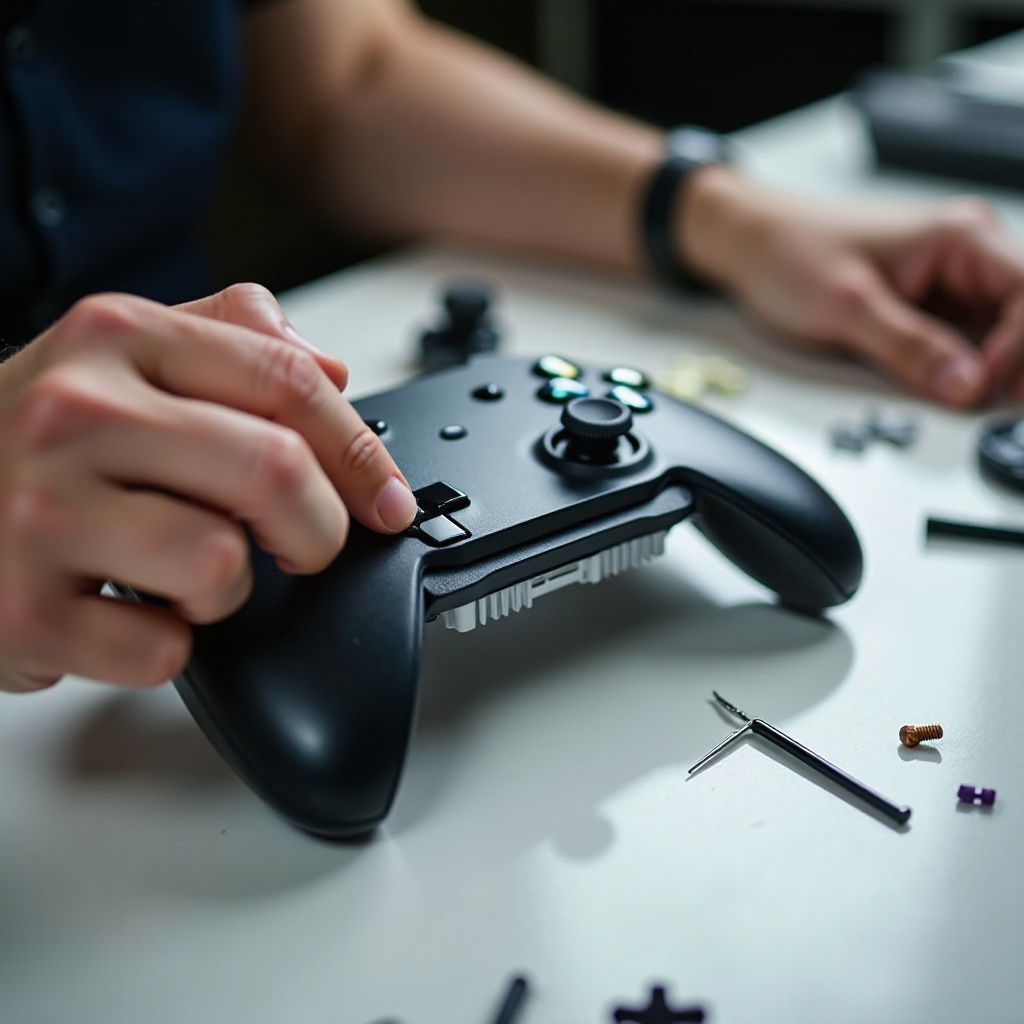
- Fixing Button Problems: Deep grime might require disassembly for cleaning, which should only be done if you are comfortable with electronics.
- Dealing with Liquid Spills: In case of spills, immediately power off the controller, remove batteries, and dry the surface with a microfiber cloth before allowing it to air dry fully.
With these addressed, you can proceed to reassemble your controller and ensure everything works correctly.
Reassembly and Functionality Test
After cleaning, reassemble any removed parts and secure them tightly. Reinsert batteries, turn the controller on, and test each button and joystick to ensure everything operates smoothly.
Now that your controller is clean and functioning properly, let’s ensure it stays that way with preventive maintenance.
Preventive Maintenance Tips
To prolong your controller’s performance and cleanliness:
- Schedule regular cleanings every few weeks.
- Store the controller in a dust-free environment when not in use.
- Consider protective cases or skins to minimize exposure to dirt.
Implementing these tips will prevent future grime buildup and keep your gaming gear in excellent condition, ensuring reliable performance.
Conclusion
Maintaining a clean Xbox controller is straightforward and beneficial, enhancing both device longevity and gameplay experience. Regular cleaning is a small effort that yields substantial rewards, keeping your gaming sessions enjoyable and uninterrupted.
Frequently Asked Questions
How often should I clean my Xbox controller?
For optimal performance, clean your Xbox controller every few weeks or whenever you notice performance issues or visible dirt.
Can I use alcohol wipes to clean my controller?
Yes, alcohol wipes are suitable for cleaning, but ensure they don’t over-saturate the controller, as excessive moisture can cause damage.
What do I do if my controller gets submerged in water?
Immediately remove the batteries, dry the surface with a microfiber cloth, and allow it to air-dry completely. Consider professional repair if issues persist.