
Chromebooks have become increasingly popular for their affordability, portability, and ease of use, making them ideal for students and professionals. However, one essential aspect that users frequently inquire about is battery life. Understanding what influences the battery duration and how to manage it effectively is crucial for maximizing the usability and efficiency of a Chromebook in 2024.
Introduction
Chromebooks often stand out with their ability to last longer on a single charge compared to many conventional laptops. This is primarily due to Chrome OS, which is designed to be lightweight and power-efficient. However, as we depend more on these devices for various tasks, understanding battery life and ensuring its longevity take center stage. By delving into the factors that affect a Chromebook’s battery life, users can not only optimize its performance but also extend its lifespan.
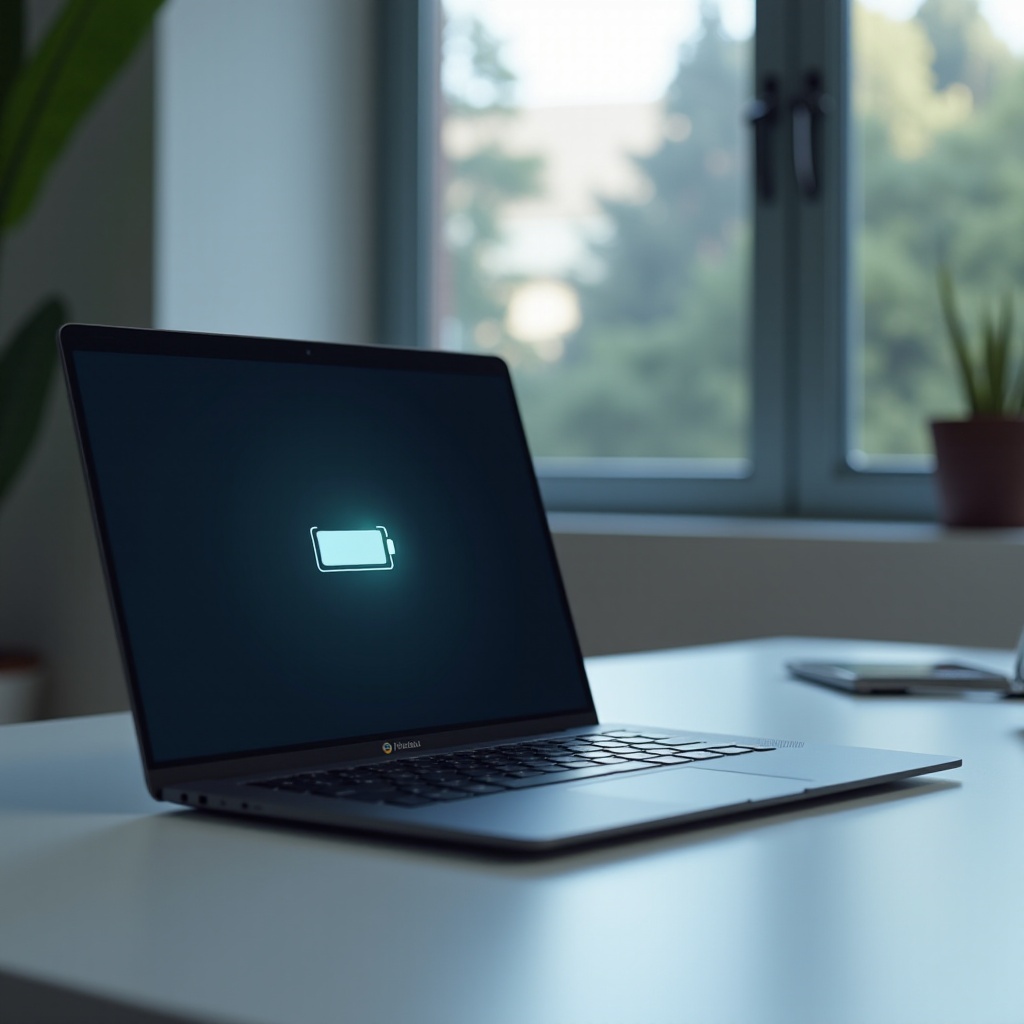
Factors Influencing Chromebook Battery Life
Several critical factors determine how long a Chromebook’s battery will last. Recognizing these can help users make modifications that will prolong the battery life.
-
Hardware Specifications: The components inside your Chromebook, such as the processor type, screen size, and battery capacity, significantly impact how quickly the battery drains. Generally, a larger screen and a more powerful processor will consume more power.
-
Operating System Efficiency: Chrome OS is continuously updated to enhance its efficiency. These updates usually include optimizations that can reduce power consumption, ensuring that the battery lasts longer.
-
User Behavior Patterns: The way you use your Chromebook plays a significant role. Activities such as playing videos, intensive browsing, or running multiple applications simultaneously will generally lead to quicker battery depletion than less demanding tasks like emailing or document editing.
Comprehending these factors empowers users to implement changes that link seamlessly to the latest improvements found in 2024 Chromebook models.

Comparing Battery Life of Top Chromebook Models in 2024
In 2024, numerous Chromebook models highlight advancements in battery longevity, tailoring to users’ diverse needs. Here’s an overview of some top contenders known for their remarkable battery life:
-
Acer Chromebook Spin 713: Notable for its vibrant display and processor efficiency, this model can offer up to 10 hours of power on a full charge.
-
Google Pixelbook Go: Distinguished by its light form and energy efficiency, it manages between 11 to 12 hours of usage time.
-
HP Chromebook x360 14c: Renowned for its flexibility and feature-rich design, this device provides nearly 13 hours of power under suitable conditions.
These models showcase how innovations in battery technology and device engineering enhance efficiency, seamlessly transitioning us into practices that users can adopt to further extend battery life.
Best Practices for Extending Chromebook Battery Life
Several practical steps can help you ensure that your Chromebook’s battery lasts as long as possible:
- Manage Screen Brightness and Applications:
- Lower the screen brightness to comfortable levels without compromising visibility.
-
Close any applications not in use running in the background to conserve power.
-
Adopt Optimal Charging Habits:
- Avoid waiting until the battery drops below 20% to recharge.
-
Disconnect the charger once fully charged to prevent overcharging and potential damage.
-
Configure Power Settings:
- Employ power-saving modes available in the settings to limit power utilization.
- Set the device to sleep mode during inactivity rather than leaving it active.
These everyday habits enhance battery efficiency and contribute to its overall longevity, creating harmony when paired with the impact of software updates on battery performance.
The Impact of Software Updates on Battery Life
Keeping Chrome OS up to date provides more than just improved security and new features; it can also enhance battery performance. Regular updates include bug fixes and optimizations, often aimed at boosting battery efficiency without sacrificing functionality.
-
Advantages of Keeping Up-to-date: Updated systems utilize the latest battery management improvements, which can extend device usage time by reducing unnecessary power draw.
-
Managing Update Settings for Battery Efficiency: Schedule larger updates for a time when the Chromebook is plugged in to prevent battery loss during extended installation periods.
Balancing these updates with effective user practices ensures that issues are minimized, paving the way to the next section on handling common battery concerns.
Common Chromebook Battery Issues and Solutions
Despite technological advances and good practices, Chromebook batteries will occasionally face issues. Identifying these problems and applying practical solutions helps maintain device performance.
-
Identifying Hardware vs. Software Issues: If your battery drains unexpectedly fast, investigate whether the problem is hardware-related, such as an aging battery, or potentially a software glitch.
-
Troubleshooting Steps:
- Restart the device to clear any temporary software errors.
- Use the built-in diagnostic tools in Chrome OS to evaluate battery health and performance.
- Disable or remove unnecessary applications that might be consuming battery silently.
These solutions address typical battery challenges, setting the stage to discuss exciting developments anticipated in battery technology for 2024.
Future Trends in Chromebook Battery Technology
As technology progresses, manufacturers are exploring innovative methods to enhance battery life further. Future trends could include:
- Innovations Expected in 2024: We might observe enhancements in battery materials, such as lithium-silicon technologies, offering greater energy density and efficiency. Such advancements could redefine the standards for battery performance in Chromebooks, leading to significantly longer usage periods.
Advancements like these promise to elevate Chromebook battery performance, effectively concluding this exploration by summarizing the learnings.
Conclusion
By understanding the factors that impact Chromebook battery life and implementing best practices, users can substantially optimize performance and longevity. Balancing hardware usage, staying current with updates, and applying effective user habits ensures that a Chromebook can efficiently meet everyday demands.
Frequently Asked Questions
How do I know if my Chromebook battery is healthy?
Use diagnostic tools in Chrome OS to check battery health, which provide insights into cycles and potential issues.
Can I replace the battery on my Chromebook?
Most Chromebook batteries can be replaced, but it’s advisable to have a professional handle the replacement to prevent damage.
What should I do if my Chromebook isn’t holding a charge?
First, restart your device and check your charger. If issues persist, consult support for a possible battery replacement.