
Introduction
The Messages app on your iPhone is a vital tool for communication. When it disappears, either due to glitches or accidental deletion, it can disrupt your ability to stay connected with friends and family. Fortunately, there are effective ways to retrieve it, ensuring that your phone remains a reliable device for communication.
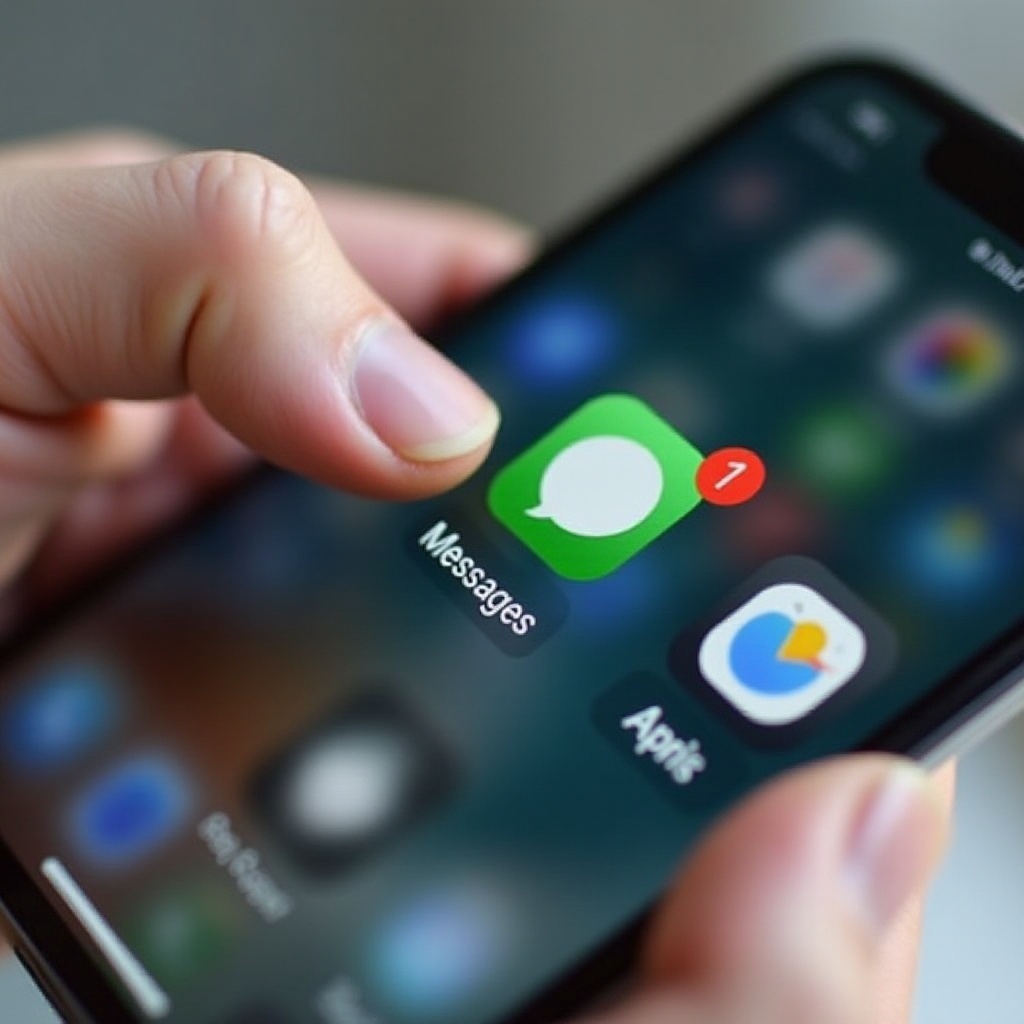
Common Reasons for Disappearance of the Messages App
Several factors might be responsible for the disappearance of your Messages app. Accidental deletions are common — users often delete apps unintentionally while reorganizing their home screens. Moreover, iOS updates, while beneficial, can sometimes lead to temporary app disappearance. Understanding these causes paves the way for selecting the right method to reclaim your app.
Steps to Retrieve the Messages App
Bringing back the Messages app requires a systematic approach:
- Locate in App Library:
- Swipe left on your home screen to access the App Library.
-
Use the search bar to type ‘Messages’ and locate your app.
-
Reinstall via the App Store:
- Launch the App Store and search for ‘Messages.
-
If available with a download icon, tap to reinstall the app.
-
Reset Home Screen Layout:
- Navigate to Settings > General > Reset.
- Select ‘Reset Home Screen Layout’ to restore default app placement.
After following these steps, check your home screen to ensure that the Messages app is visible. If these solutions don’t resolve the issue, more advanced troubleshooting might be required.

Advanced Troubleshooting Techniques
If your Messages app remains unfound, utilize these advanced techniques:
- Check Content & Privacy Restrictions:
- Visit Settings > Screen Time > Content & Privacy Restrictions.
-
Confirm that Messages is allowed without restrictions.
-
Restore from iCloud Backup:
- If restrictions aren’t the issue and the app is still absent, consider using iCloud backup.
- Go to Settings > [Your Name] > iCloud > Manage Storage > Backups. Select a recent backup and restore your device.
These methods delve deeper into iPhone settings, ensuring that persistent issues are addressed comprehensively to restore your Messages app.
Preventative Measures for App Management
Once your Messages app is restored, proactive measures can prevent future occurrences. Regularly updating iOS is crucial; updates often contain fixes that mitigate app disappearance. Additionally, instituting a systematic backup plan safeguards your data, enabling recovery when necessary. Frequent monitoring of your settings can preemptively catch issues before they manifest.
Tips to Enhance iPhone App Organization
Maintaining a well-organized iPhone will benefit overall accessibility and app management:
- Use folders to categorize apps according to their function, keeping your screen neat.
- Take advantage of the App Library’s centralized storage, streamlining app discovery and use.
- Periodically review apps to determine their necessity, removing unused ones for a cleaner interface.
Implementing these organization strategies enhances iPhone functionality, ensuring essential apps like Messages are always quickly accessible.
Conclusion
Restoring the Messages app is key to keeping your communication streamlined and effective. Following these procedures allows you to reclaim your essential app safely and confidently. Regular maintenance and organization can prevent these issues from arising, making your iPhone as efficient as possible. If problems persist beyond the scope of this article, Apple’s support resources provide further assistance.
Frequently Asked Questions
Why did my Messages app disappear after updating iOS?
Updates may occasionally cause unexpected changes due to glitches or altered settings during the update process.
Is resetting all settings a safe method to retrieve lost apps?
Resetting all settings is generally safe and restores default configurations, though you will need to reapply personalized settings.
Can I recover my Messages app without restoring from a backup?
Yes, by locating in App Library, redownloading from the App Store, and resetting the home screen layout, you can restore the app without a backup.