
Introduction
Plugging in your PS4 controller and facing unexpected USB disconnections midway through a game can ruin the experience. These disruptions not only impede gameplay but also signal potential technical issues that need addressing. This guide delves into the reasons behind such occurrences and provides practical solutions to ensure seamless gaming and device operation.
Understanding the Issue: Why USBs Turn Off with PS4 Controllers
When your PS4 controller causes USBs to shut down, power distribution conflicts within the console are often to blame. The PS4 must juggle limited resources among all connected devices. When your controller demands more power than the PS4 can supply, it results in dropped connections to maintain overall system function. Additionally, discrepancies between console settings and controller firmware can escalate these issues, sometimes exacerbated by system updates that don’t immediately address arising bugs. Recognizing these root causes is essential for applying the right fix and maintaining uninterrupted device functionality.
DIY Quick Fixes for USB Shutdown Problems
Begin troubleshooting with straightforward solutions before moving to complex fixes. First, reset the PS4 controller and console by pressing and holding the console’s power button until it shuts off, then restart it. Don’t forget to reset the controller by inserting a pin into the reset button hole next to the L2 button.
Next, swap out the current USB cable for another to address possible cable faults, and test various USB ports for better connection integrity. When these basic steps are effective, it saves you the trouble of jumping straight into more elaborate fixes.
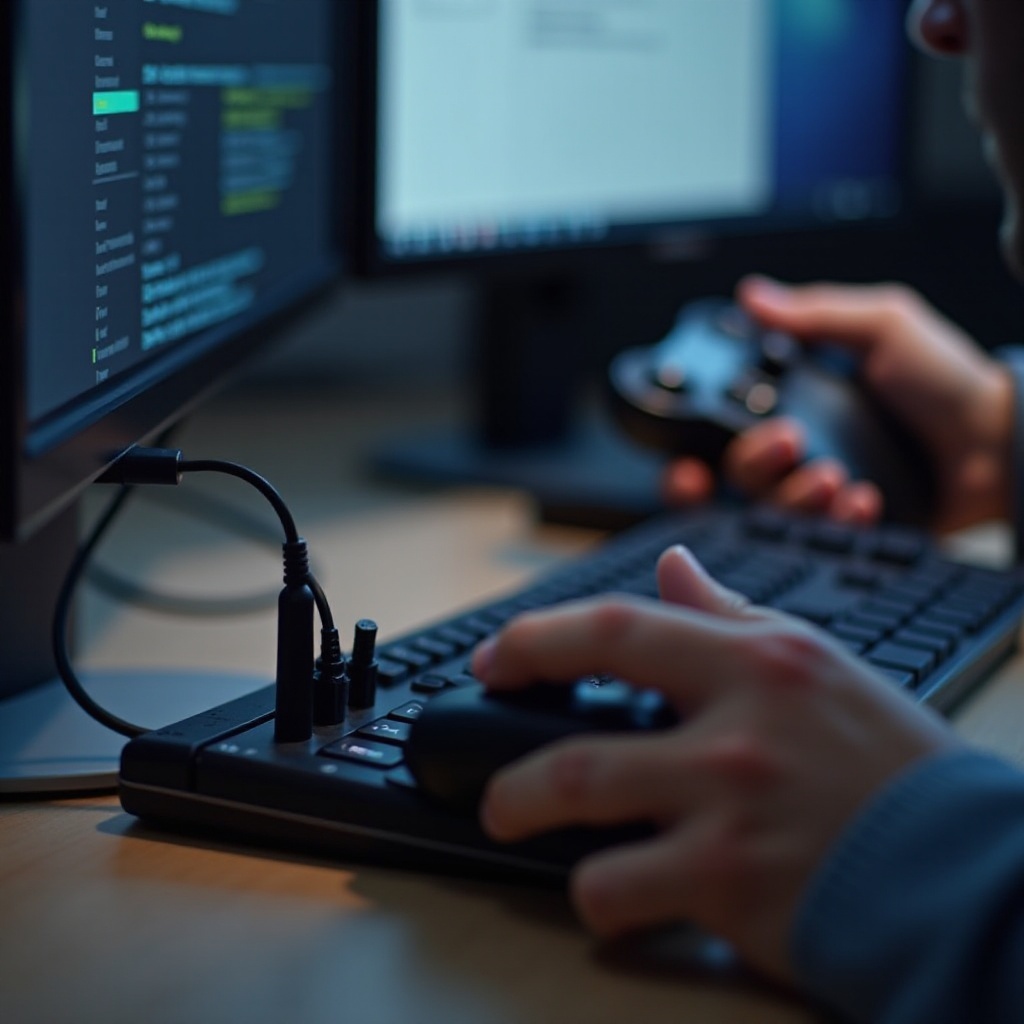
Software Solutions and Updates
Persistent USB shutdowns demand a closer look at software-related causes. Start with updating the system software through Settings > System Software Update on the PS4. Timely updates can fix many known bugs affecting USB performance. Similarly, ensure the controller’s firmware is up-to-date to avoid firmware-induced disruptions, which might persist even if the system software is current. With these updates, your PS4 should function more harmoniously with connected peripherals, leading to a significant reduction in USB connectivity issues.
Exploring Hardware Fixes
When software adjustments don’t yield results, inspect your hardware setup. Begin by cleaning the USB ports using compressed air or a soft brush, as debris can block proper connections and disrupt power flows. If cleaning doesn’t resolve the problem, consider using a powered USB hub. These hubs draw power directly from an external source, reducing the load on the PS4 itself and helping to maintain stable connections across all devices.
When to Seek Professional Help
Should the problem persist even after trying hardware and software solutions, it might be time for expert intervention. Contact Sony support or a certified technician if all ports fail continuously, if there are additional errors, or if you suspect physical damage requiring specialized tools. Professional evaluation ensures complex internal issues are identified and resolved, preventing further damage and extending the operational life of your console.

Conclusion
Addressing USB shutdowns triggered by PS4 controllers involves a mix of quick fixes and detailed troubleshooting. By understanding potential causes, attempting basic repairs, and keeping software updated, you can often solve these issues independently. However, do not hesitate to seek professional help if the problem persists, ensuring a reliable gaming experience now and in the future.
Frequently Asked Questions
Can connecting multiple devices be a reason for USB issues?
Yes, using multiple USB devices can exceed the console’s power capacity, causing failure when additional power is required by newly connected peripherals like a controller.
Does using third-party controllers affect USB functionality?
Third-party controllers might cause compatibility issues, leading to USB disruptions. Ensure they are certified and compatible with your PS4 to prevent problems.
Will resetting my console erase my saved games?
A simple reset will not erase saved games; however, a full factory reset will delete all data. Always verify reset methods to prevent data loss.