
Introduction
Selecting a computer that delivers exceptional performance in both gaming and video editing requires a careful balance of technology. This dual-purpose demand means your PC must handle high graphical loads while also being capable of processing-intensive video tasks. Our guide navigates you through choosing the perfect PC components and configurations to achieve this efficiency.
Essential Hardware Components
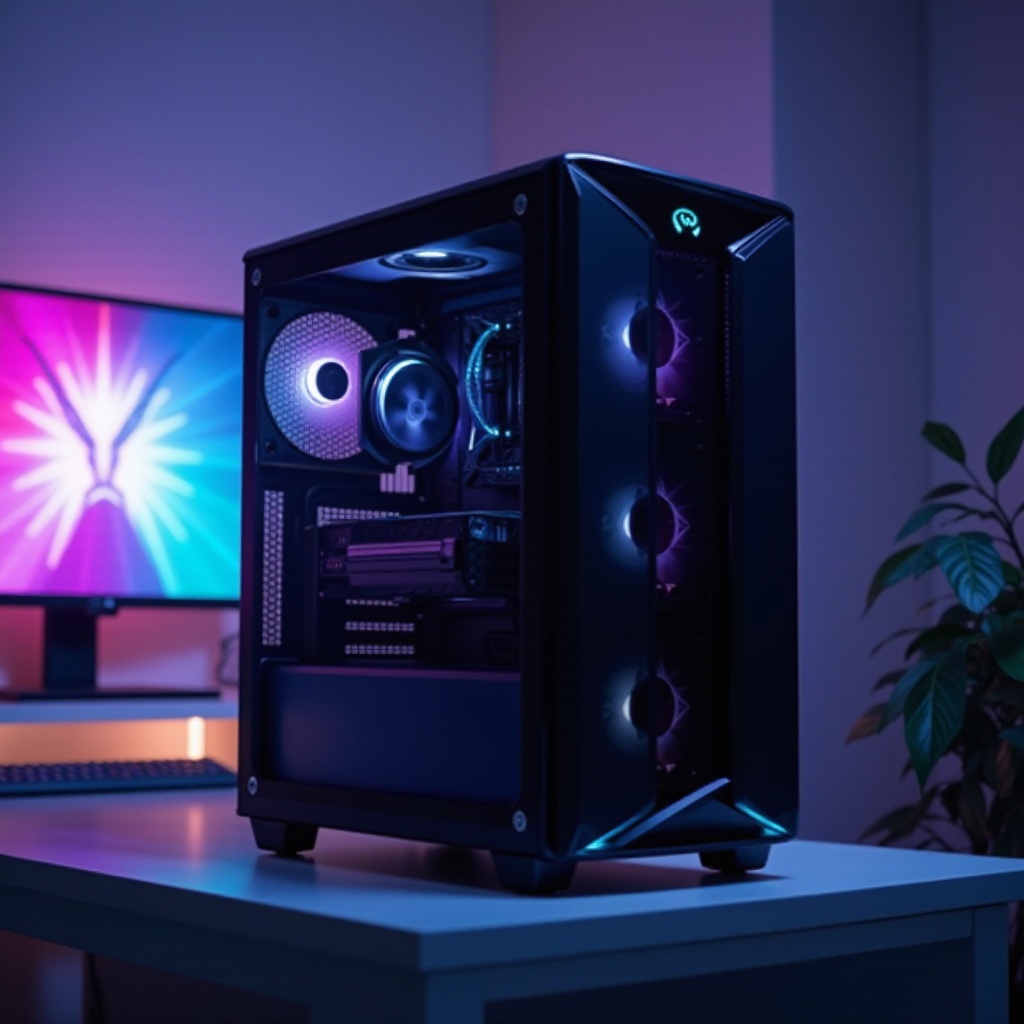
To create a powerful system, start by focusing on the critical hardware components essential for both gaming and video editing performance.
Central Processing Unit (CPU) Selection
At the core of your PC’s performance lies the CPU. Gaming benefits from high clock speeds, while video editing demands a higher core count for better rendering and processing. Consider options like the Intel Core i7-13700K or the AMD Ryzen 9 5900X, which provide a strong balance for both tasks.
Graphics Processing Unit (GPU) Capabilities
A top-notch GPU ensures stellar gaming visuals and fast video rendering. Cards like the NVIDIA GeForce RTX 3070 or AMD Radeon RX 6800 XT offer excellent resolutions and speeds perfect for both disciplines, boasting advanced ray tracing and sufficient VRAM for handling large projects seamlessly.
Memory (RAM) Requirements
When it comes to memory, 16GB of RAM is typically adequate for gaming. However, to efficiently handle complex video editing tasks, especially in higher resolutions like 4K, a minimum of 32GB of RAM would provide smoother multitasking and quicker project processing.
Storage: SSD vs. HDD Options
For optimal speed and capacity, mix faster storage with affordability by combining a 1TB SSD for your operating system and active projects with an additional 2TB HDD for archiving files. SSDs provide quick access and loading times essential for both gaming maps and large video files.
Choosing the Right Motherboard
Your motherboard should accommodate your chosen CPU, GPU, and RAM needs while allowing room for expansion. Look for motherboards with PCIe 4.0 support and multiple USB ports to ensure rapid data transfer and connectivity.
Build vs. Buy: Making the Right Choice
Choosing whether to build your own PC or purchase a pre-built system depends on your comfort level with technology and need for customization.
Advantages of Building Your Own PC
Constructing your PC offers unparalleled customization, allowing you to hand-select each component. This method generally provides better value for money, assuming you possess the technical expertise or are willing to learn the assembly process through numerous guides and resources available online.
Benefits of Pre-Built Systems for Gaming and Editing
Opting for a pre-built PC offers simplicity, factory warranties, and support. Brands like ASUS ROG and HP OMEN present high-performance models specifically designed for gaming and editing. These options are perfect for those prioritizing ease of purchase and setup.
Selecting between building and buying revolves around your specific needs and skills as you explore various configurations available on the market.
Recommended PC Configurations for 2024
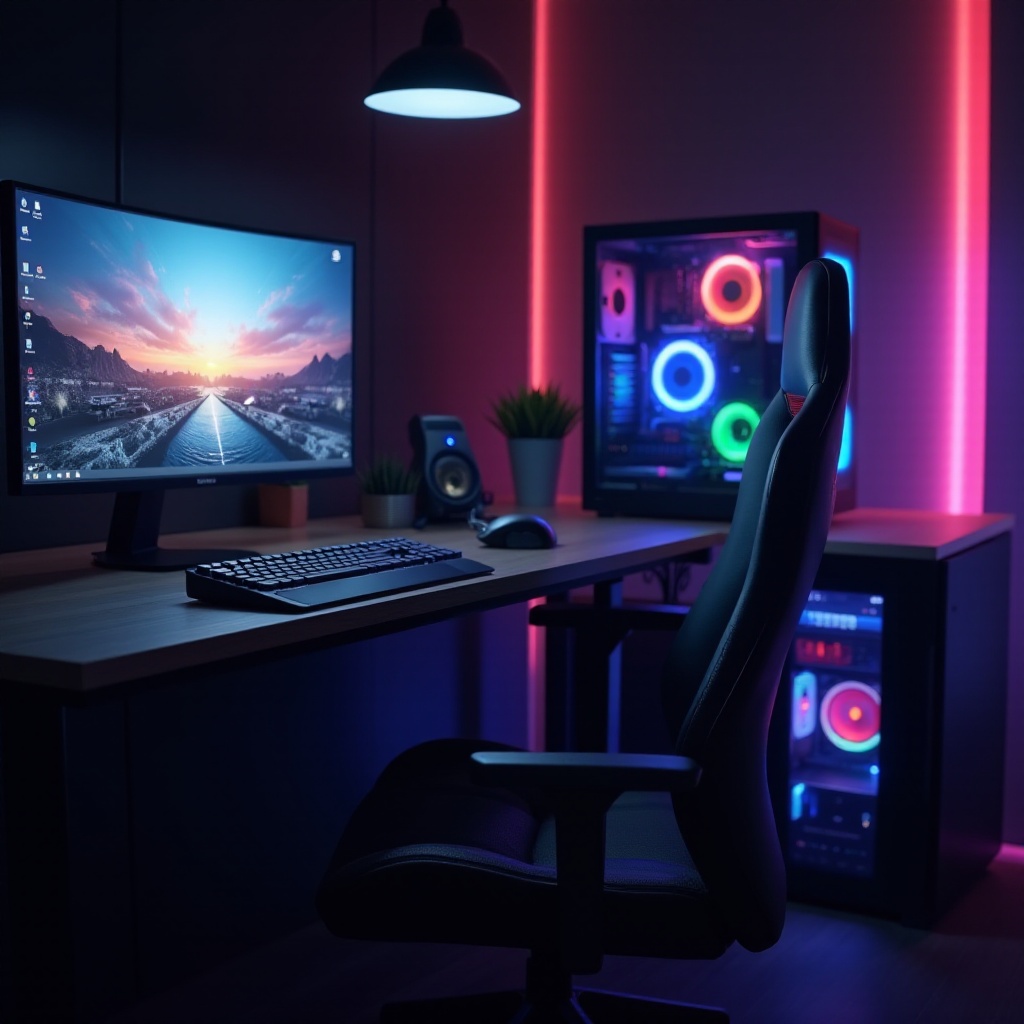
With a clear understanding of components, let’s discuss recommended setups that match different performance and budgetary requirements.
Budget-Friendly Setup for Beginners
Budget-conscious users can create an efficient setup with:
– CPU: AMD Ryzen 5 5600X
– GPU: NVIDIA GTX 1660 Super
– RAM: 16GB DDR4
– Storage: 500GB NVMe SSD, 1TB HDD
This assembly offers good performance for those starting out and needing strong, cost-effective processing.
Mid-Range Configuration for Balanced Performance
A well-balanced system around $1500 might involve:
– CPU: Intel Core i7-13700K
– GPU: NVIDIA RTX 3060 Ti
– RAM: 32GB DDR4
– Storage: 1TB NVMe SSD
This setup provides ample power for both gaming fidelity and video editing efficiency.
High-End Build for Professionals
For those seeking top performance:
– CPU: Intel Core i9-12900K
– GPU: NVIDIA RTX 3080
– RAM: 64GB DDR5
– Storage: 2TB NVMe SSD
This premium configuration ensures peak performance standards for resolving the most demanding creative and gaming tasks, significantly future-proofing.
Key Features and Accessories
Accessories and key features play a vital role in complementing your main system.
Monitor Choices: Gaming Responsiveness and Editing Precision
Select monitors with a high refresh rate like 144Hz for immersive gaming and accurate color reproduction for precise editing. IPS panels with 4K resolution can fulfill both needs effectively.
Effective Cooling Solutions
Cooling systems, whether liquid or hefty air coolers, will preserve your PC’s performance during intensive tasks by preventing overheating.
Essential Peripherals for Gamers and Editors
Invest in quality peripherals such as responsive gaming mice, mechanical keyboards, and ergonomic chairs to enhance daily productivity and comfort.
Consideration of these peripherals brings us to long-term planning for your PC, ensuring durability and adaptability.
Future-Proofing Your Investment
Ensuring your PC remains useful amid evolving technology is crucial.
Upgrade Paths for Continued Performance
Choose components that allow straightforward upgrades. Ensure your motherboard has spare slots, and get a case with room for additional storage and larger GPUs.
Integrating Emerging Technologies
Stay informed about valuable advancements like DDR5 RAM and PCIe 5.0, planning your build to comfortably include these new possibilities when they become widespread.
Conclusion
A superior PC for both gaming and video editing in 2024 requires deliberate planning and component selection. By exploring your customization or purchasing options, focusing on vital hardware, and considering future viability, you can achieve a setup that meets and exceeds expectations. Craft your ideal system with these insights, ensuring great performance today and in years to come.
Frequently Asked Questions
What is more important for video editing, CPU or GPU?
While both are important, a high-performance CPU with multiple cores usually has more impact on video editing efficiency.
Can a gaming laptop be a good alternative for video editing?
Yes, gaming laptops with powerful CPUs and GPUs can handle video editing, but desktops generally offer better performance and upgrade options.
How much RAM is sufficient for gaming and video editing?
For gaming, 16GB of RAM is typically sufficient. However, for intensive video editing tasks, especially in 4K, 32GB or more is advisable.